
BC.Game Availability and Regulatory Context
Gambling in the Philippines operates within a regulated market. PAGCOR states that it regulates games of chance and licenses gaming operations conducted within Philippine territory, including several categories of local electronic and remote gaming. A website loading from a Philippine internet connection does not prove that its operator or domain is authorised locally.
PAGCOR launched the PAGCOR Guarantee service in June 2025 so members of the public could verify licensed internet gaming platforms and avoid fraudulent websites. The service is presented as a regularly updated source that users should consult before playing or making payments.
The public PAGCOR list dated July 20, 2026 contains accredited gaming system administrators, registered brands, and approved domains. A search of that document did not return a match for bc.game. This does not replace a formal legal assessment, but it means BC.Game should not be described as PAGCOR licensed or officially approved in the Philippines based on the current public list.
| Verification question | Recommended source | What the result means |
| Is the operator registered with PAGCOR? | PAGCOR Guarantee | Confirms whether the provider appears in the verification portal |
| Is the exact domain registered? | Latest PAGCOR domain list | Confirms whether that specific URL appears in the public records |
| Does BC.Game accept the user’s location? | Current BC.Game Terms and account page | Indicates platform eligibility, not Philippine approval |
| Is the site technically accessible? | Browser or mobile connection | Shows only that the page can load |
| Is a payment method displayed? | Cashier inside the verified account | Shows current account availability, not regulatory permission |
BC.Game publishes an offshore licence issued by the Government of the Autonomous Island of Anjouan. An offshore authorisation is not the same as Philippine permission and should not be presented as overriding PAGCOR rules. BC.Game’s own disclaimer also states that its services may face legal restrictions in particular countries and that users are responsible for understanding the laws applying to them.
How to Identify the Official BC.Game Website
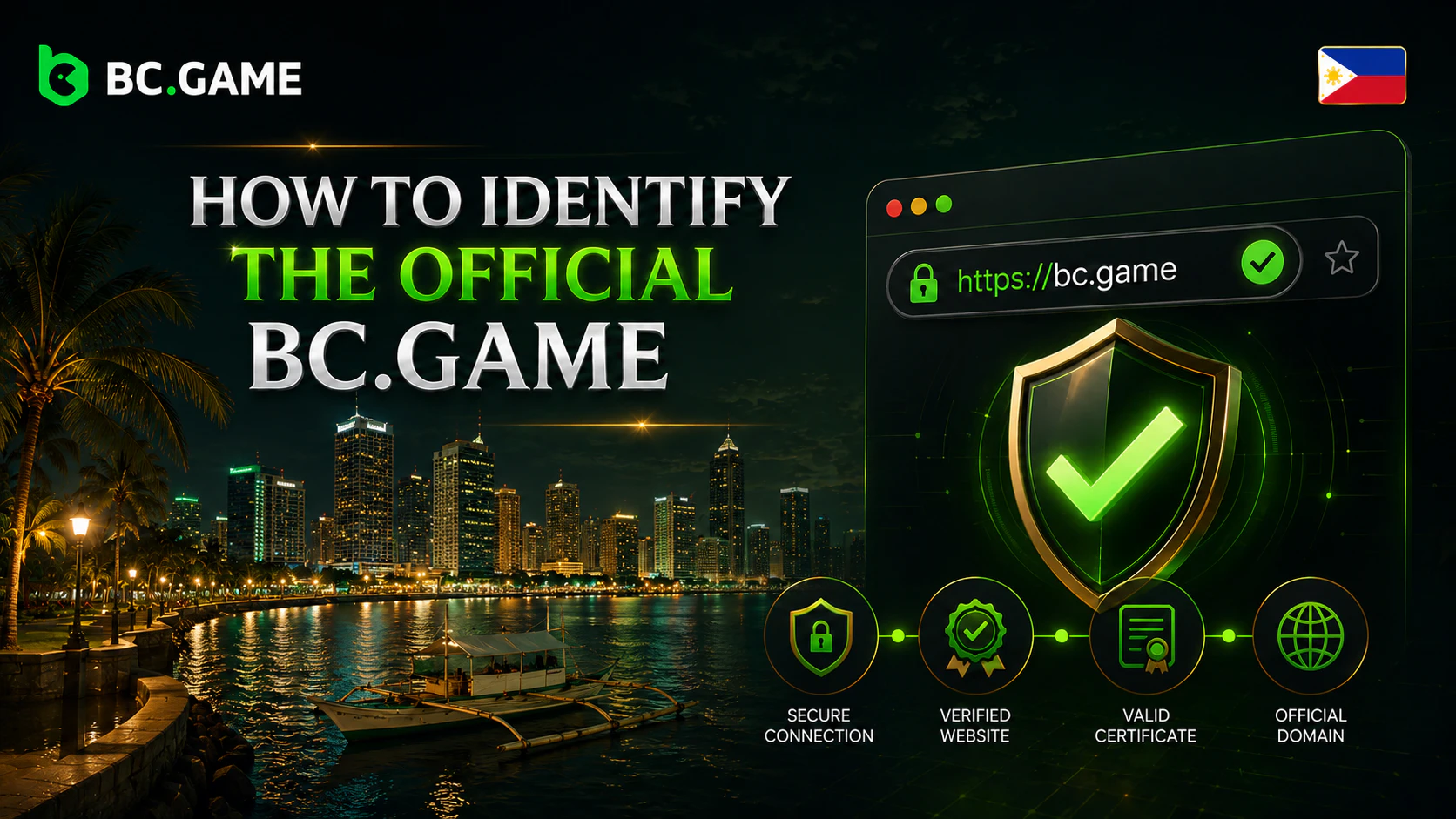
The primary brand domain is written bc.game. Before entering account details, check the complete address rather than relying on a logo, page title, advertisement, or search-result description.
An official resource should provide consistent access to the Terms, Privacy Policy, Responsible Gambling information, Help Center, and account security pages. The design and navigation should remain coherent across these sections. A landing page that uses familiar branding but has no working policy links requires additional verification.
Local pages and additional domains should be confirmed through the main resource or official support. A page describing itself as “BC Game Philippines” does not automatically prove PAGCOR registration. PAGCOR has previously warned that fraudulent websites may use its logo without permission to create the impression of regulatory approval.
The following signs deserve attention:
- the address contains additional words, letters, numbers, or hyphens;
- the brand name appears only inside a long and unrelated domain;
- policy links open different websites;
- the page requests downloads before showing its terms;
- the browser displays a certificate warning;
- the site claims PAGCOR approval without a verifiable listing.
The spelling bc.game and the form BC.Game refer to the brand and domain convention. Variants such as “bcgame” may appear in searches, but they are not sufficient for identifying an official page.
Domain Verification and Anti-Phishing Checklist
Use a repeatable verification process each time a new device, bookmarked link, email, or social post leads to the platform.
- Open the browser address bar and read the full URL.
- Confirm that the domain spelling matches the official source exactly.
- Check for HTTPS and make sure the browser shows no certificate warning.
- Look for substituted characters, added numbers, misleading subdomains, or unusual endings.
- Confirm that Terms, Privacy Policy, Responsible Gambling, and Help Center pages work.
- Reject pages that start automatic downloads or open repeated popups.
- Watch for multiple redirects through unrelated domains.
- Never enter a password, 2FA code, seed phrase, or payment information to “verify” a link.
- Search PAGCOR Guarantee and the current registered-domain list separately.
- Close the page when its licensing claims cannot be confirmed.
HTTPS encrypts the connection, but it does not prove ownership. Phishing sites can also obtain valid certificates. Domain accuracy, official policy links, PAGCOR records, and page behaviour must be assessed together.
BC Game Original Crypto Games










BC Game Login Guide for Philippine Users
The standard BC Game login process begins only after the domain and account eligibility have been checked. Before attempting access, users should read the current Terms, identify restricted jurisdictions, confirm the applicable age requirement, and consider Philippine law.
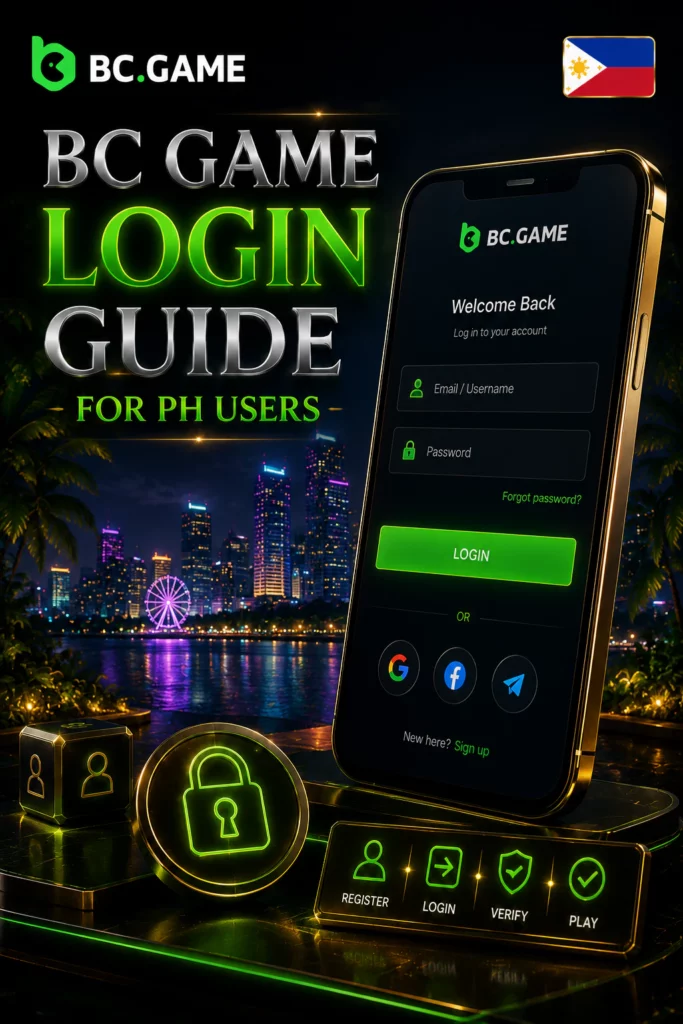
A normal login sequence may include:
- Open the verified official domain.
- Select Login rather than a link supplied in a direct message.
- Enter the email address, phone number, or supported identifier connected to the account.
- Enter the account password.
- Complete a device or security check if prompted.
- Enter the two factor authentication code when 2FA is enabled.
- Confirm that the expected username, balance, currency, and account history appear.
- Review active sessions after signing in on a new device.
BC.Game’s registration documentation states that users must be at least 18 and recommends enabling 2FA. Philippine regulated gaming rules, however, generally apply a minimum age of 21 and also restrict students from participating. A Philippine reader should follow the higher applicable local threshold rather than relying only on the platform’s minimum.
A failed BC Game login should not lead to repeated password entry on different unknown domains. Use the verified Help Center and official account recovery process. Never give an authentication code to someone claiming that it is required for support verification.
Registration, Verification and Account Eligibility
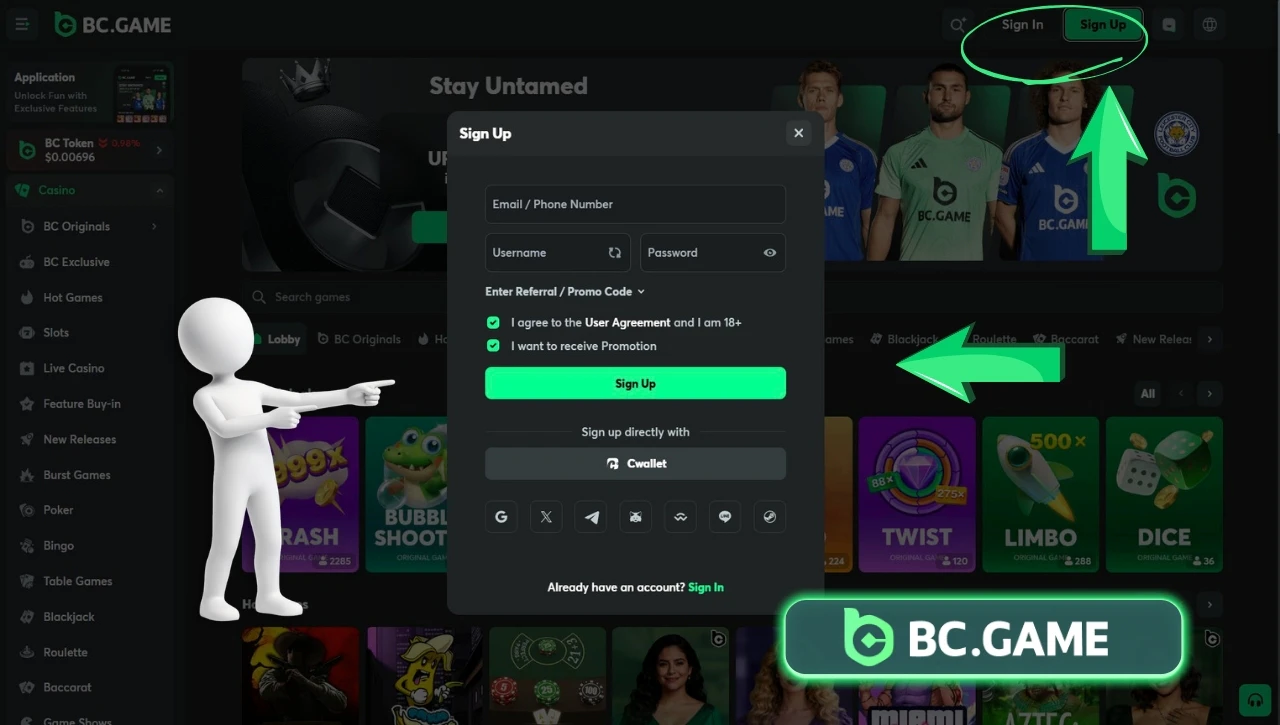
Registration normally involves creating a profile, confirming contact information, accepting the Terms, and meeting age and jurisdiction requirements. The registration form should be opened only on a verified domain.
BC.Game states that it may conduct KYC procedures and may restrict or close access when a user supplies false or misleading information. Its registration material also notes that an accurate email address can be needed for later account verification.
Identity checks may involve personal details and supporting documents. The exact request depends on the account review and current policy. Verification may become relevant before certain withdrawals, during an account security investigation, or where payment and account information require additional checking.
Before submitting documents:
- confirm the domain again;
- use only the account verification area;
- check which legal entity receives the information;
- read the current Privacy Policy;
- cover information not requested by the form;
- do not send documents through social media or personal messaging accounts.
Creating an account successfully does not establish that the platform holds Philippine authorisation. Registration eligibility under BC.Game’s Terms and local regulatory status are separate matters.
Password Security, 2FA and Device Protection
A secure BC Game login depends on more than the correct website. The email address, phone, browser, and device connected to the profile must also be protected.
Use the following account security practices:
- create a long password used only for BC.Game;
- store it in a reputable password manager;
- enable two factor authentication;
- secure the linked email with a separate password and 2FA;
- review active account sessions regularly;
- sign out after using a shared device;
- never save credentials in a public browser;
- update Android, iOS, browsers, and security software;
- use screen locking and device encryption;
- remove unknown browser extensions and applications.
BC.Game recommends 2FA in its login documentation. It also advises users to protect devices and prevent account information from being accessible to children.
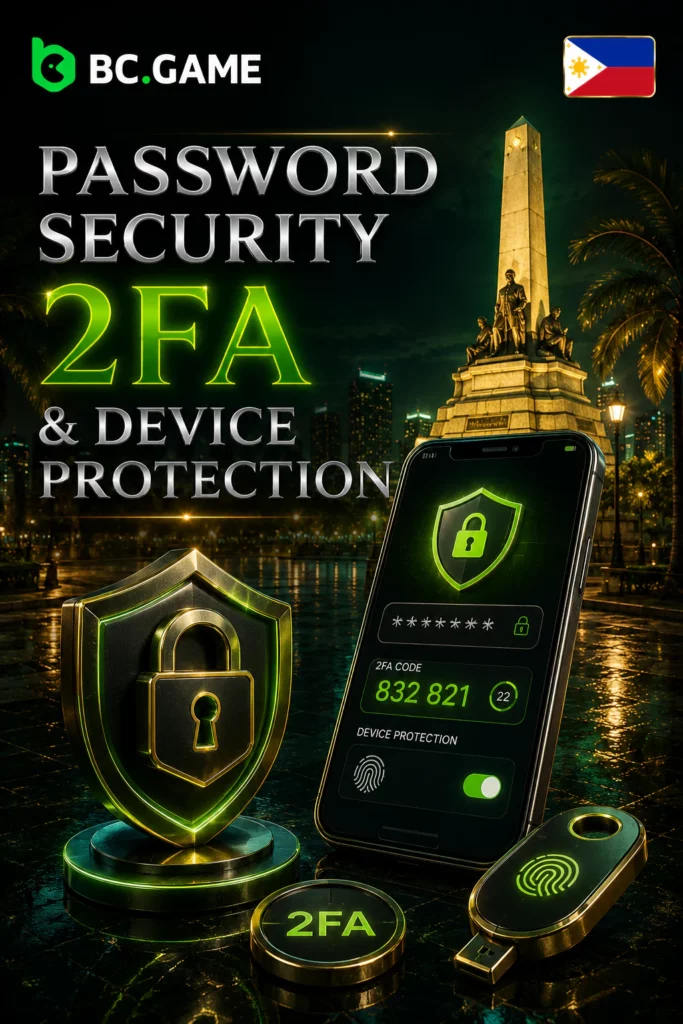
Table Games on BC Game





Fake Support, Social Media Scams and Bonus Fraud
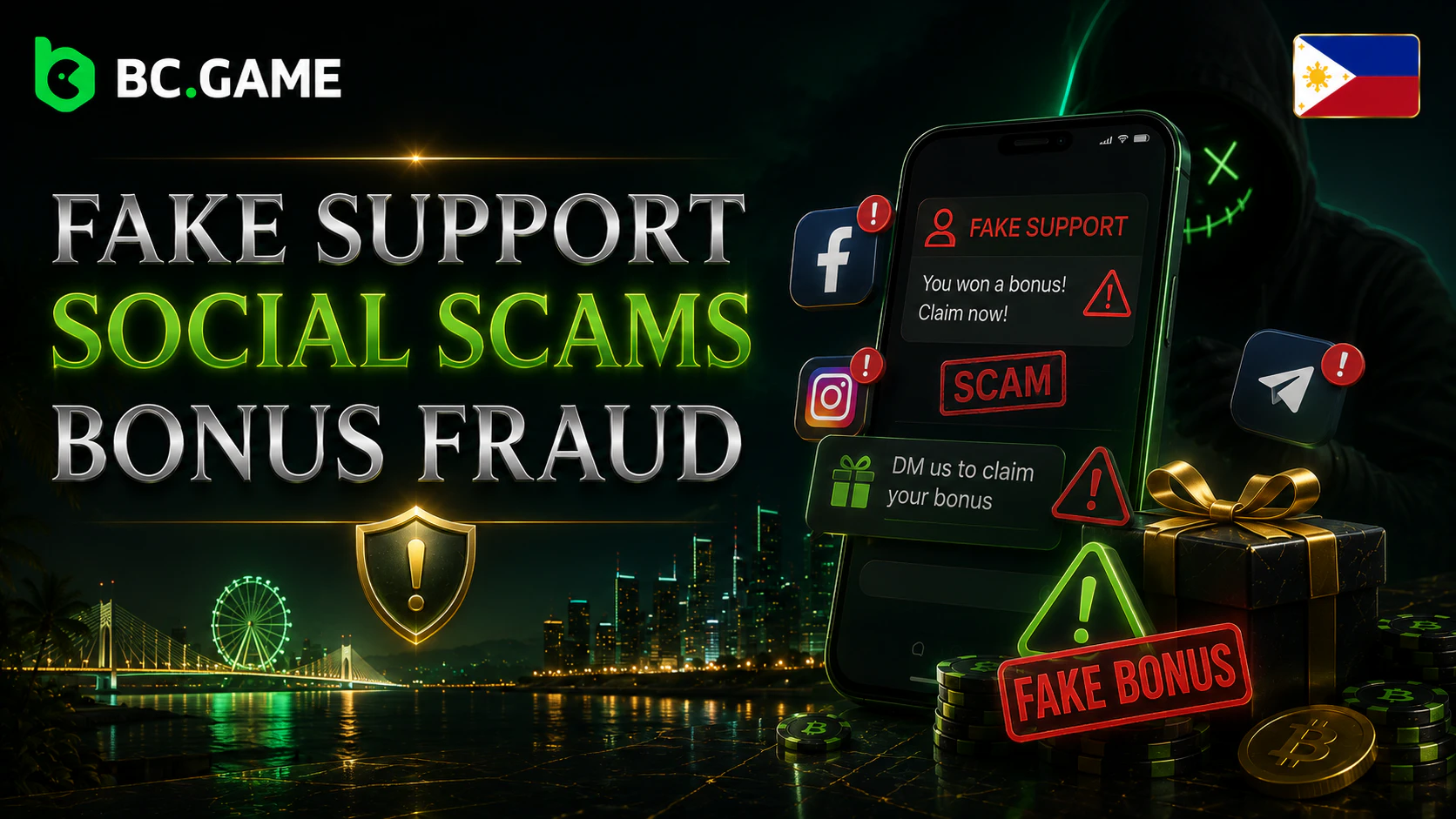
Fraudsters may contact users through Telegram, Discord, X, Facebook, Instagram, WhatsApp, email, or comment sections. They can copy official logos, profile pictures, support language, and promotional graphics.
Common schemes include:
- Fake support accounts offering to recover a profile.
- Messages claiming that a BC Game bonus requires an advance payment.
- False prize notifications and giveaway pages.
- Phishing emails containing a copied BC Game login form.
- Harmful Android files presented as a special BC Game app.
- Requests to connect a cryptocurrency wallet to release funds.
- Impersonators asking for remote access to the user’s device.
- Links that replace the intended payment or wallet address.
Legitimate support should not request a complete password, private key, seed phrase, unrestricted email access, card security code, or one time authentication code. Bonuses should be reviewed inside the verified account or on an official promotion page, not activated through a transfer to an individual.
BC.Game Mobile Access: Browser, PWA and App Options
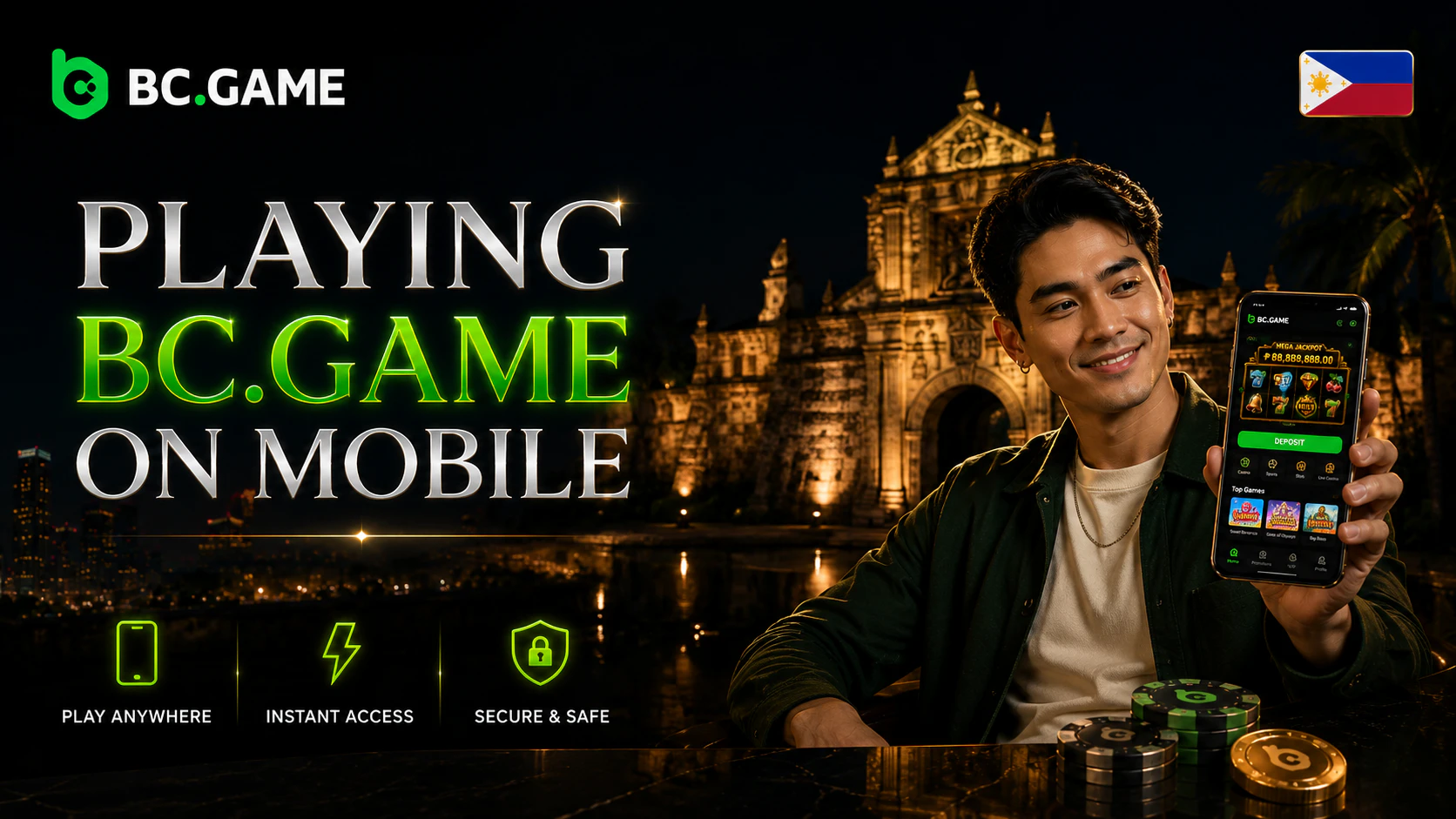
Mobile access can take several forms, but each option must be verified on the official website at the time of use.
| Mobile option | How it works | Main security check |
| Responsive browser site | Opens the normal website in a mobile browser | Verify the full domain before login |
| PWA shortcut | Adds a web based icon to the home screen | Confirm that the shortcut originates from the verified page |
| Android application | Uses an installation package published through an official download route | Check the file source, publisher, signature, and permissions |
| iPhone or iPad access | May use the browser or an Add to Home Screen method | Confirm the live instructions on the official page |
BC.Game currently publishes an app download page referring to Android and iOS options. The platform also has an official PWA route, while its guides describe an Add to Home Screen process. Availability and the exact procedure can change, so the live page should be treated as the current reference.
A mobile page loading successfully does not confirm Philippine licensing or user eligibility.
Slot Games on BC Game












BC Game Download and Safe Installation Steps
A BC Game download should begin from the verified main domain and its confirmed download section. Do not use files sent through Telegram, forums, file exchanges, shortened links, unofficial APK stores, or advertising pages.
For Android:
- Open the verified BC.Game website.
- Locate the official mobile or download section.
- Confirm that the download remains within an official route.
- Check the APK filename, version, publisher, size, and update date.
- Scan the file with Android security tools.
- Review every requested permission.
- Stop if Android flags the package as harmful.
- Remove permission to install unknown apps after the process is complete.
A modified application can imitate the interface while collecting login details, notifications, wallet information, or payment data. Access to SMS, contacts, accessibility services, notification content, or the ability to display over other apps should have a clear functional explanation.
For iPhone and iPad, follow only current instructions shown through the verified platform. An Android APK cannot be installed on iOS. Do not trust configuration profiles or enterprise certificates distributed through private messages.
Local Payment Notes for the Philippines
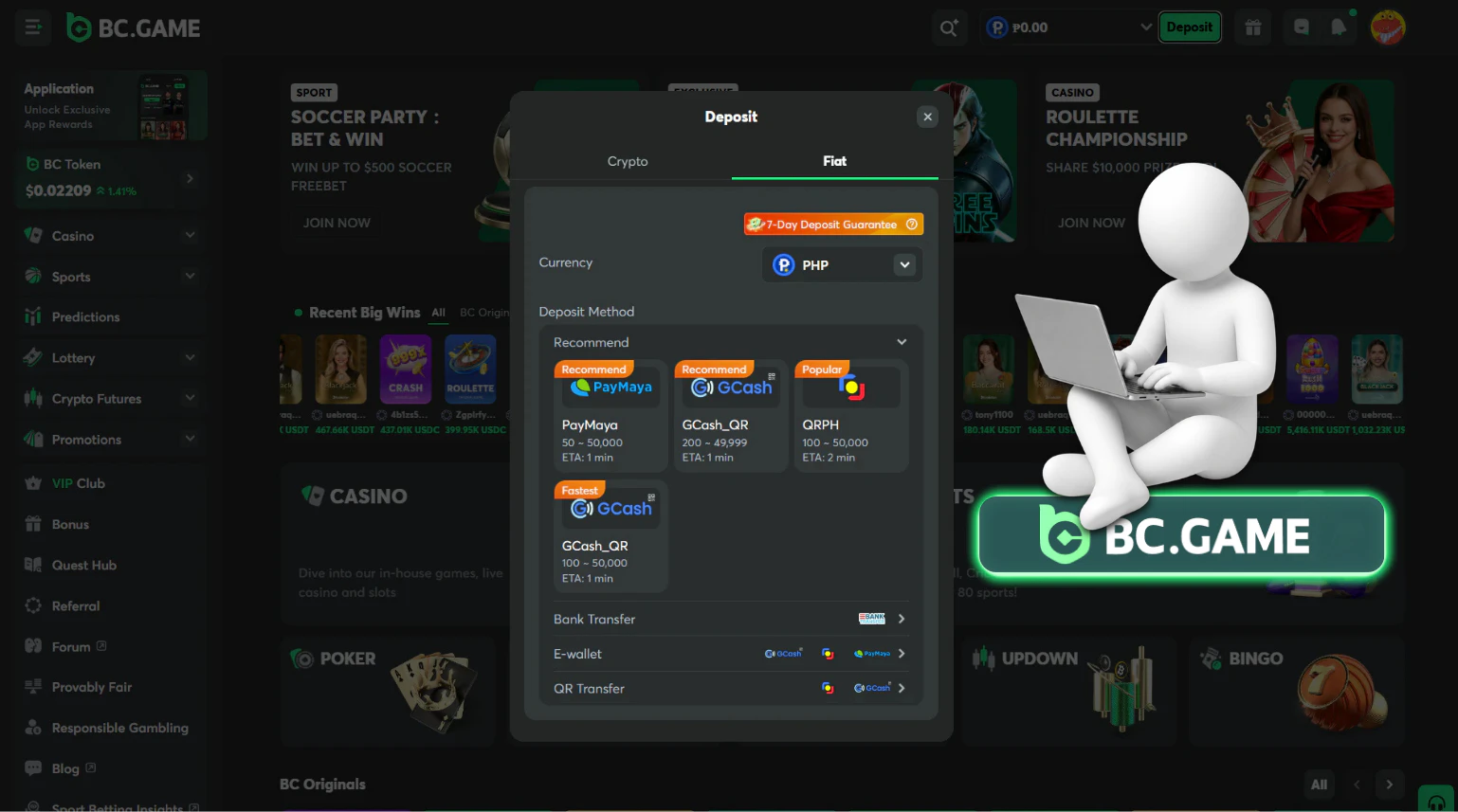
Payment availability can vary by location, account status, currency, provider, and compliance review. A method mentioned in an article may be missing from a particular cashier or may later be removed.
BC.Game’s own Philippines landing page claims PHP support and refers to GCash, PayMaya, and bank transfers. These are operator-published claims, not independent confirmation of local licensing or guaranteed availability for every account. The cashier shown after a verified login is the appropriate place to check current methods, limits, currencies, processing information, and fees.
Users should not transfer money to an individual who claims to be a local payment agent unless that arrangement is clearly displayed and verified inside the official cashier.
PHP Display, GCash, Maya and Local Payment Availability
The interface may display a balance in PHP or show a fiat equivalent for a cryptocurrency amount. This does not necessarily mean the platform accepts direct peso deposits or withdrawals.
| What the interface shows | What it may mean | What still requires confirmation |
| PHP balance display | Account denomination or converted value | Whether direct PHP funding is supported |
| GCash or Maya logo | A payment option may be available | Account eligibility, limits, fees, and recipient details |
| Bank transfer | A local partner may process the transaction | Bank name, reference number, processing time, and withdrawal support |
| Crypto with PHP equivalent | Digital asset value shown in pesos | Network, wallet address, conversion rate, and blockchain fee |
| Bonus beside a deposit method | A promotion may be attached | Eligibility, wagering rules, expiry, and maximum conversion |
Before paying, compare the recipient information with the cashier, confirm the amount and currency, and check whether the method supports both deposits and withdrawals. Payment details sent through chat should not replace the information displayed in the verified account.
Responsible Gambling for Philippine Users
PAGCOR’s regulatory site states that gaming is for people aged 21 and above. Its Responsible Gaming Code also restricts people under 21 and students of Philippine schools, colleges, or universities.
Responsible gambling means treating BC games as paid entertainment rather than income. Users should set financial and time limits, avoid borrowing, and stop when gambling begins affecting work, relationships, studies, sleep, or essential expenses.
Warning signs include chasing losses, hiding transactions, increasing deposits, gambling under stress, borrowing money, and being unable to stop. PAGCOR provides exclusion options and launched a 24 hour National Problem Gambling Helpline in May 2026 for affected individuals and family members.